
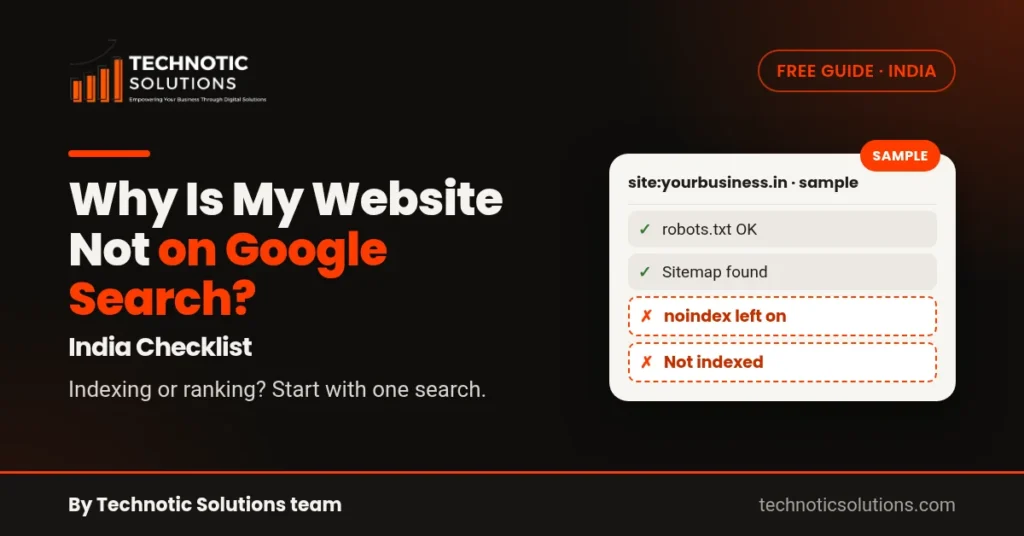
Short answer: If you are wondering why your website is not showing on Google Search, it is either an indexing problem (Google hasn’t added your pages to its index) or a ranking problem (your pages are indexed but appear too low to be seen). Type `site:yourdomain.in` into Google. No results means indexing. Results that appear there but not for your service searches means ranking.
To check the common technical causes in one go, run Site Fix, our free SEO audit. It checks robots.txt, sitemap, titles, schema and AI-crawler access on up to 8 pages.
Step 1: the site: test
Search `site:yourdomain.in` (use your real domain, without https or www). This lists pages Google has indexed. It is a rough check, not a full count, but it answers the first question quickly:
- No results: go to Step 2 (not indexed).
- Some pages missing: check those pages in Step 2.
- All pages there: go to Step 3 (indexed but not ranking).
Step 2: your site is not indexed
Use Search Console URL Inspection
Add your site to Google Search Console (it’s free) and inspect your homepage URL. It tells you whether the page is on Google and, if not, why. Two common statuses:
- Discovered – currently not indexed: Google knows the URL but hasn’t crawled it yet.
- Crawled – currently not indexed: Google crawled it and chose not to index it for now, often because the page is thin or very similar to another page.
You can click Request indexing after fixing a page.
A noindex tag left on from development
On WordPress, check Settings → Reading → “Discourage search engines from indexing this site”. Developers often tick it while building the site and forget to untick it at launch. Also check your SEO plugin’s per-page settings for “noindex”.
robots.txt is blocking Google
Open `yourdomain.in/robots.txt`. A line like `Disallow: /` under `User-agent: *` blocks the whole site. Remove it unless you really mean it.
A wrong canonical tag
A canonical tag tells Google which version of a page is the main one. If every page points to the homepage, or to the old staging domain, Google may ignore your real pages.
No sitemap
Submit your sitemap (often `/sitemap.xml` or `/sitemap_index.xml`) under Sitemaps in Search Console so Google can find all your pages.
Step 3: indexed, but not ranking
If your pages are indexed but you can’t find them for your service searches, the usual causes are:
- Thin service pages: one line per service doesn’t give Google enough to work with.
- No city or area: “Interior designer” with no mention of Pune or Baner won’t match local searches.
- Slow on mobile: most of your visitors are on phones. Test in PageSpeed Insights.
- Missing or duplicate titles: every page needs its own clear title tag.
“My business shows on Maps but not in web results”
Your Google Business Profile and your website are separate. The profile can appear in the map results while the website is still not indexed. Fix indexing using Step 2, and add your website link to your Business Profile so the two are connected.
Why is my website not showing on Google Search? Run a free check
Site Fix checks robots.txt, sitemap, titles, schema and AI-crawler access on up to 8 pages, free, and tells you what to fix first. If your site needs a rebuild, see our website development services in Mumbai, and for ongoing work see our SEO services in Mumbai. More free checks are on the free tools page.
FAQ
How long does Google take to index a new website?
It varies, from a few days to a few weeks, and no one can promise a date. Submit a sitemap and request indexing for your key pages in Search Console to help Google find them.
Why is my website not showing on Google even after submitting it?
Submitting doesn’t force indexing. Check URL Inspection for the reason, then look for noindex tags, robots.txt blocks, wrong canonicals and thin pages.
My website is not showing on Google but my business is on Maps. Why?
Maps shows your Business Profile, not your website. They are indexed separately. Fix website indexing and link the website from your profile.
Does a new domain take longer to show on Google?
A brand-new site has no history and few links, so it can take longer to be crawled and ranked. Clear service pages and a correctly set-up Search Console help. A free Site Fix audit shows what might be holding a new site back.
— By the Technotic Solutions team. 350+ clients since 2017.